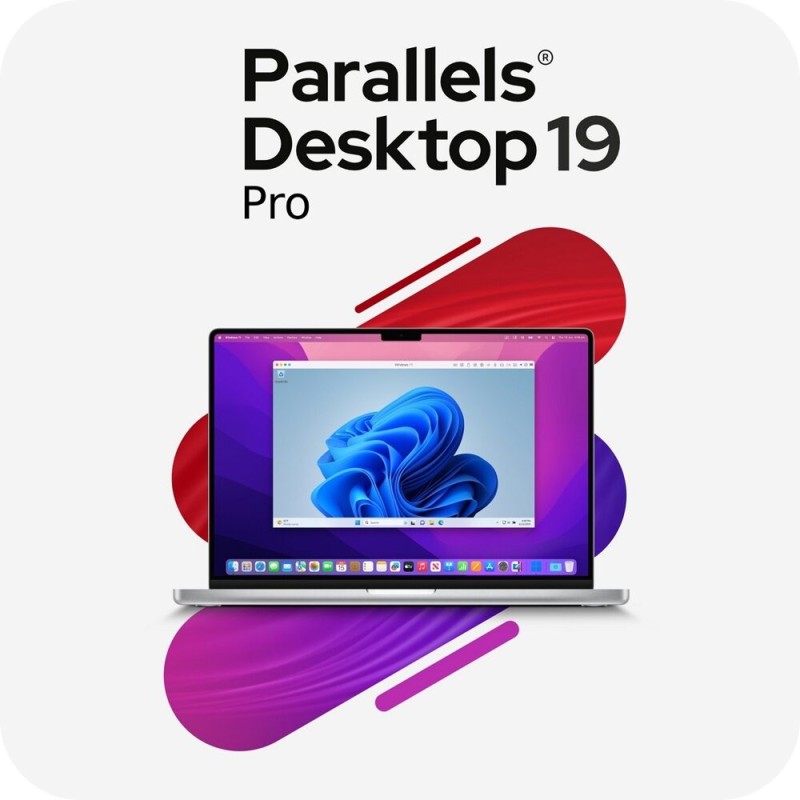
✅ Parallels Desktop 19 Pro, MacOS, 1 Year, 1 Device, digital license, Global
_x000D_\nParallels Desktop 19 Pro is the advanced virtualization solution for professional developers, power users, and IT specialists who need more than the Standard edition offers. Licensed for 1 macOS device with a 1 year subscription, this edition provides enhanced performance, advanced testing tools, and deeper integration for development and cross platform workflows. Delivered as a digital license with global activation, your key is sent instantly via email, so you can download, install, and start using Parallels Desktop Pro right away._x000D_\n_x000D_\nDesigned for professional environments, Parallels Desktop 19 Pro includes all the features of the Standard edition plus additional tools such as advanced virtual machine configurations, enhanced networking, and Visual Studio plug ins. With support for running multiple operating systems side by side, including Windows 11 and Linux distributions, this edition is perfect for software testing, cross platform development, and enterprise use._x000D_\n_x000D_\nParallels Desktop 19 Pro is optimized for Apple Silicon (M1/M2) and Intel based Macs, ensuring smooth performance across all modern Mac hardware. It introduces faster DirectX and OpenGL rendering for graphics intensive workloads, new CLI (command line interface) tools for automation, and integration with Docker, Vagrant, Minikube, and other developer platforms. With Pro, you can allocate more virtual CPUs, RAM, and storage to your VMs, making it a robust solution for demanding tasks._x000D_\n
🔍 Overview: Why Choose Parallels Desktop 19 Pro?
_x000D_\nParallels Desktop 19 Pro is designed for developers, IT pros, and advanced users who need greater control, higher performance, and developer friendly integrations. It combines professional grade tools with the simplicity of Parallels Desktop, offering everything from software testing to secure business applications._x000D_\n_x000D_\n
Key Benefits:_x000D_\n
_x000D_\n - Run Windows, Linux, and other OS directly on macOS with advanced configurations.
_x000D_\n - Optimized for Apple Silicon and Intel based Macs.
_x000D_\n - Professional tools for developers: CLI tools, Visual Studio plug in, Vagrant & Docker support.
_x000D_\n - Allocate more resources for demanding workloads.
_x000D_\n - Annual license with global activation for 1 device.
_x000D_\n
_x000D_\n
💡 Main Features
_x000D_\n
_x000D_\n - Advanced VM Configurations: Assign up to 32 vCPUs, 128GB RAM, and expand storage for heavy tasks.
_x000D_\n - Developer Tools: Integration with Docker, Vagrant, Minikube, Visual Studio, and CLI automation.
_x000D_\n - Cross Platform Virtualization: Run Windows 11, Linux, and more alongside macOS.
_x000D_\n - Apple Silicon & Intel Optimization: Native support for M1/M2 and Intel Macs with ARM compatibility.
_x000D_\n - Enhanced Networking: Create custom virtual networks and test multi environment configurations.
_x000D_\n - DirectX & OpenGL Improvements: Faster graphics rendering for software and games.
_x000D_\n - Coherence Mode: Use Windows applications directly on the Mac desktop.
_x000D_\n - File & Clipboard Sharing: Drag and drop files, copy paste, and sync folders across OS environments.
_x000D_\n - USB & Device Support: Connect printers, external drives, and other devices in your VMs.
_x000D_\n - Professional Updates: Stay compatible with the latest macOS and Windows versions with ongoing updates.
_x000D_\n
_x000D_\n
⚙️ System Compatibility
_x000D_\n
Supported Platforms:_x000D_\n
_x000D_\n - macOS Ventura, Sonoma, and earlier supported versions.
_x000D_\n - Works with Apple Silicon (M1/M2) and Intel based Macs.
_x000D_\n - Supports Windows 11, Linux distributions, and other guest OS environments.
_x000D_\n - 1 device coverage per license.
_x000D_\n
_x000D_\n
💾 How to Install and Activate Parallels Desktop 19 Pro
_x000D_\n
_x000D_\n - Purchase your Parallels Desktop 19 Pro digital license (1 device, 1 year).
_x000D_\n - Receive your activation key instantly via email.
_x000D_\n - Download the installer for macOS from the official Parallels website.
_x000D_\n - Run the installer and follow the guided setup process.
_x000D_\n - Enter your license key when prompted to activate globally.
_x000D_\n - Install Windows, Linux, or other OS and start using Parallels Desktop Pro immediately.
_x000D_\n
_x000D_\n
🔑 License Information
_x000D_\n
_x000D_\n - Type: Digital License
_x000D_\n - Activation: Global
_x000D_\n - Duration: 1 Year
_x000D_\n - Devices: 1 Device
_x000D_\n - Platforms: macOS (runs Windows/Linux VMs)
_x000D_\n - Delivery: Instant via email
_x000D_\n
_x000D_\n
📈 SEO Keywords
_x000D_\nParallels Desktop 19 Pro Mac digital license_x000D_\n_x000D_\nBuy Parallels Desktop 19 Pro software key_x000D_\n_x000D_\nParallels Desktop 19 Pro_x000D_\n_x000D_\nDownload Parallels Desktop 19 Pro for macOS_x000D_\n_x000D_\nActivate Parallels Desktop 19 Pro globally_x000D_\n_x000D_\nBest virtualization software Parallels Desktop 19 Pro_x000D_\n_x000D_\nParallels Desktop 19 Pro for developers and IT_x000D_\n_x000D_\nParallels Desktop 19 Pro macos_x000D_\n_x000D_\nRun Windows 11 on Mac with Parallels Pro edition_x000D_\n_x000D_\nParallels Desktop 19 Pro 1 year subscription


 Products marked ⚡Instant delivery via email
